
Online bookkeeping that works wherever you do
fiscal50 runs in the browser, so your books are current and available from the office, at home or on the road. Bank feeds keep transactions flowing in, everyone who needs access gets their own login with the right permissions, and your bookkeeper can work in the same books at the same time.
See it work
From bank feed to balanced books, in a few clicks
Transactions sync, the AI recommends how to book each one with a reason, and when you post, a balanced journal entry is recorded.
 Banks to Books
Why it matters
Why bookkeeping online
Cloud software removes installs, file transfers and version confusion.
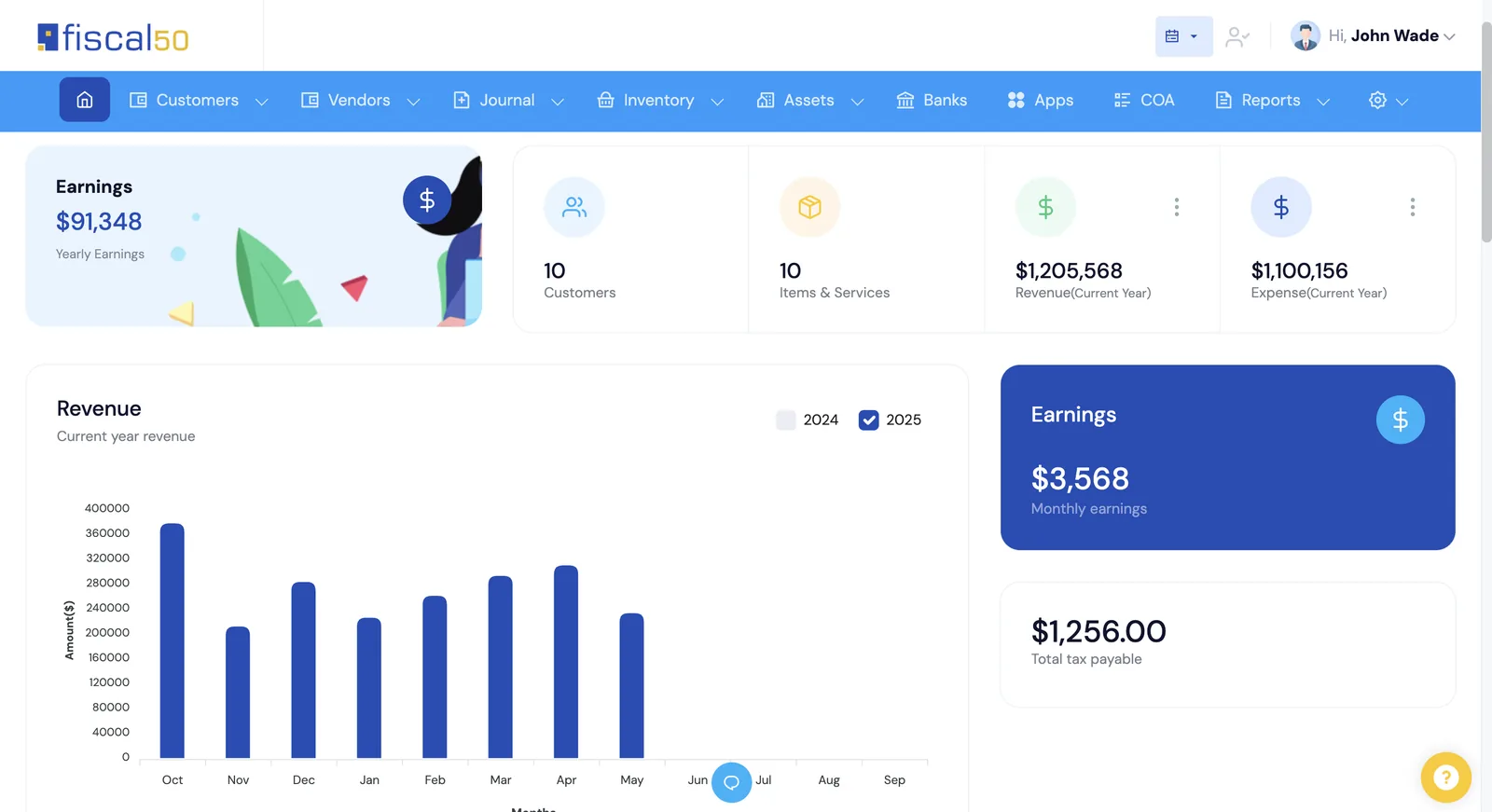
Always current
Bank and card transactions sync automatically, so reports reflect today.
One shared set of books
Owners, staff and bookkeepers work in the same company with their own logins.
Nothing to install
Use fiscal50 from any modern browser.
Secure by default
Bank feeds come through Plaid, every user has their own sign-in and permissions, and vendor and payee SSNs are encrypted when saved and shown masked.
FAQ
Questions people ask
Do I need to install anything?
No. fiscal50 runs in your web browser.
Can my bookkeeper access my books online?
Yes. Add your bookkeeper with their own login on any plan, or connect a bookkeeper who uses the fiscal50 Bookkeeper Workspace by entering their connect code under My bookkeeper.
Related
Go deeper
Banks to Books
AI recommends how to book every bank and card transaction and shows why.
Read moreApprovals and user access
Approval workflows, alerts and permissions by feature for every user.
Read moreFor bookkeepers and firms
The Bookkeeper Workspace: every client in one login, month-end for every client on one board, client portal, CRM and billing. Connect is free.
Read moreMake this the last month you do bookkeeping by hand.
Start free. Connect a bank. Watch the agents go to work.