
 fiscal50
Financial statements
The four main statements sit as tabs under every report, one click apart.
- Balance Sheet
- Income Statement
- Cash Flow
- Trial Balance
- Statement of Changes in Equity
Bookkeeping and banking
Sales and getting paid
Expenses and payables
Inventory and fixed assets
Reports and closing
Control and scale
23 modules · one set of books
AI agents that book, reconcile and close.
See all features → Bookkeeper sign in →Financial reports
fiscal50 prepares its financial reports from your books each time you open one or apply a filter, so the Balance Sheet, Income Statement, Trial Balance and Cash Flow always show what is posted. You choose the dates by date range, month or fiscal year, and the Balance Sheet, Income Statement and Trial Balance switch between Cash and Accrual with one click. The Balance Sheet, Income Statement, Trial Balance and Cash Flow can show periods side by side in up to 60 columns of years, quarters, months, weeks or dates; the Balance Sheet, Income Statement and Cash Flow add the change in dollars and percent. The statements export to Excel or PDF and the General Ledger to Excel, and clicking an account name opens its ledger, where a transaction can be corrected.
See it work
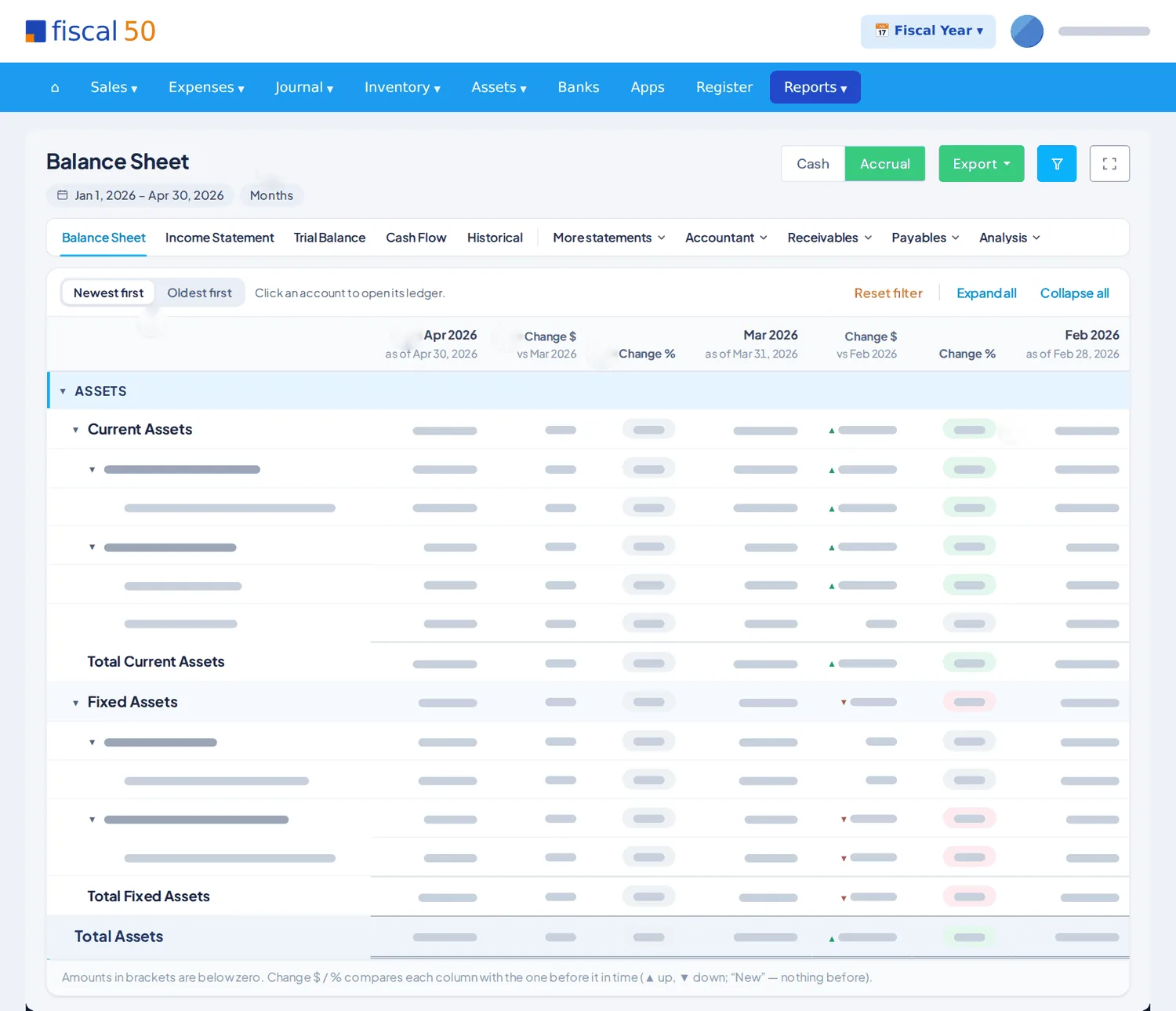
Balance sheets, income statements, trial balances and cash flow side by side in up to 60 columns, on a cash or accrual basis, with drill-down to the ledger.
Reports up close
Pick the dates, the method and the columns once; they carry over as you move between reports.
Receivables and payables
A/R Aging and A/P Aging split every balance into Current, 1–30, 31–60, 61–90 and Over 90 days, so the late ones stand out.
Every report
All of them are prepared from your posted books when you open them, and export to Excel or PDF.
The four main statements sit as tabs under every report, one click apart.
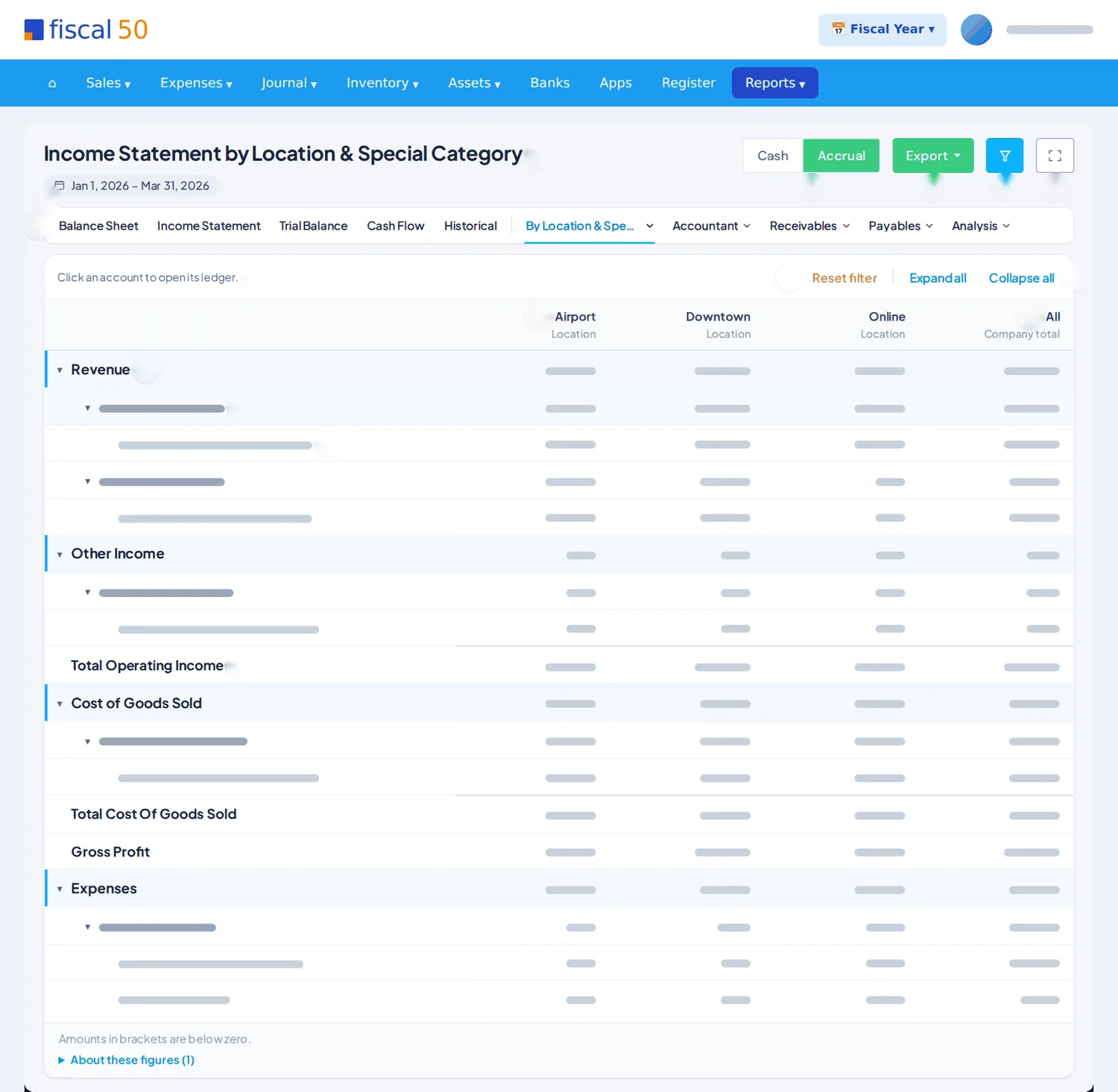
Periods, years, locations and categories side by side.
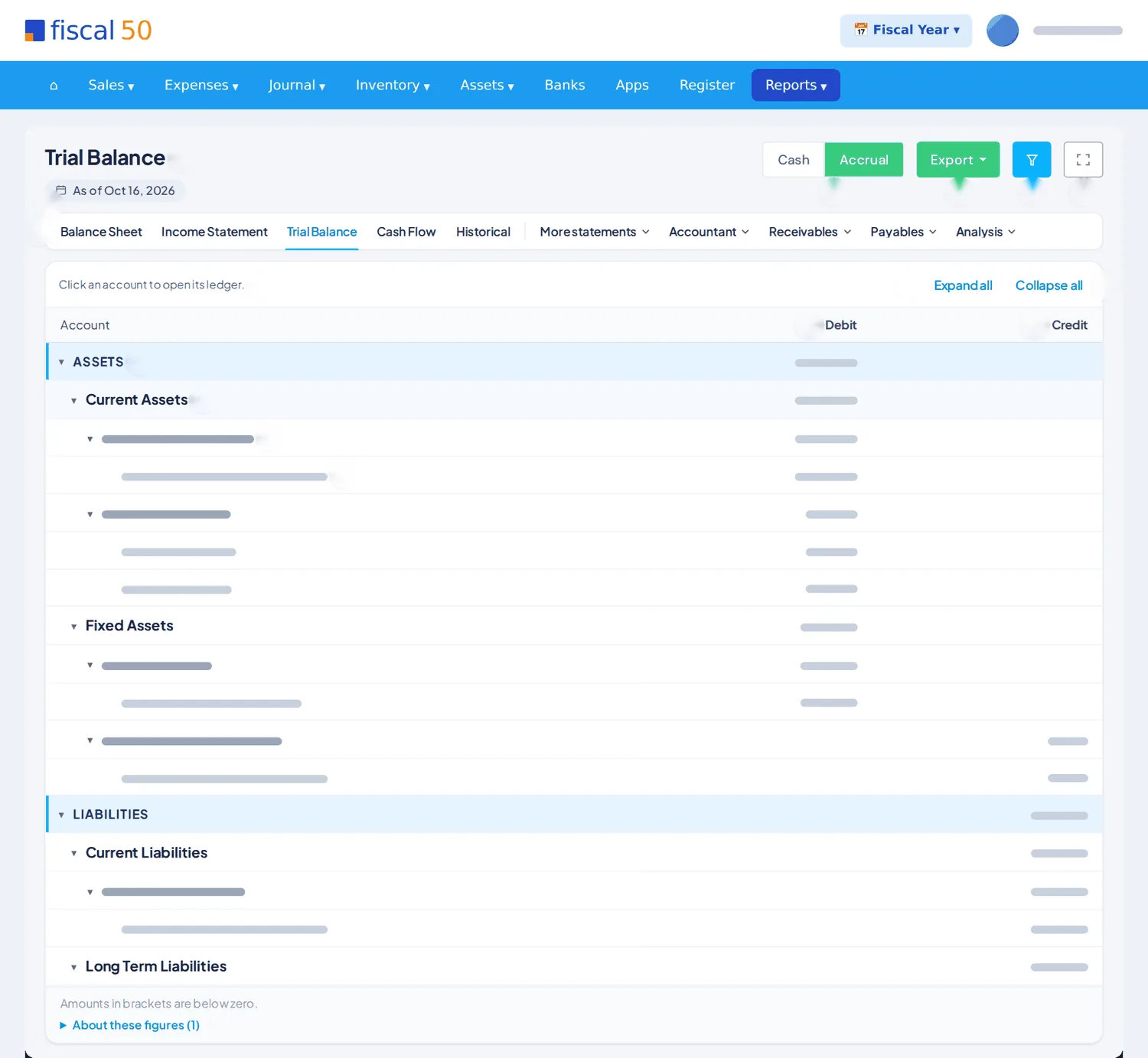
Every entry behind the numbers, ready to export.
What customers owe, how old it is and who buys most.
What you owe, to whom, and where the money goes.
Ratios and proportions that show how healthy the business is.
Financial reports
fiscal50 prepares the Balance Sheet, Income Statement, Trial Balance, Cash Flow and the other reports from your books each time you open them, with drill-down from any account to its ledger.
The Balance Sheet, Income Statement, Trial Balance, Cash Flow and Historical sit as tabs under every report title, with More statements, Accountant, Receivables, Payables and Analysis menus for the rest. The dates, accounting method and columns you chose come with you to most reports you open from there.
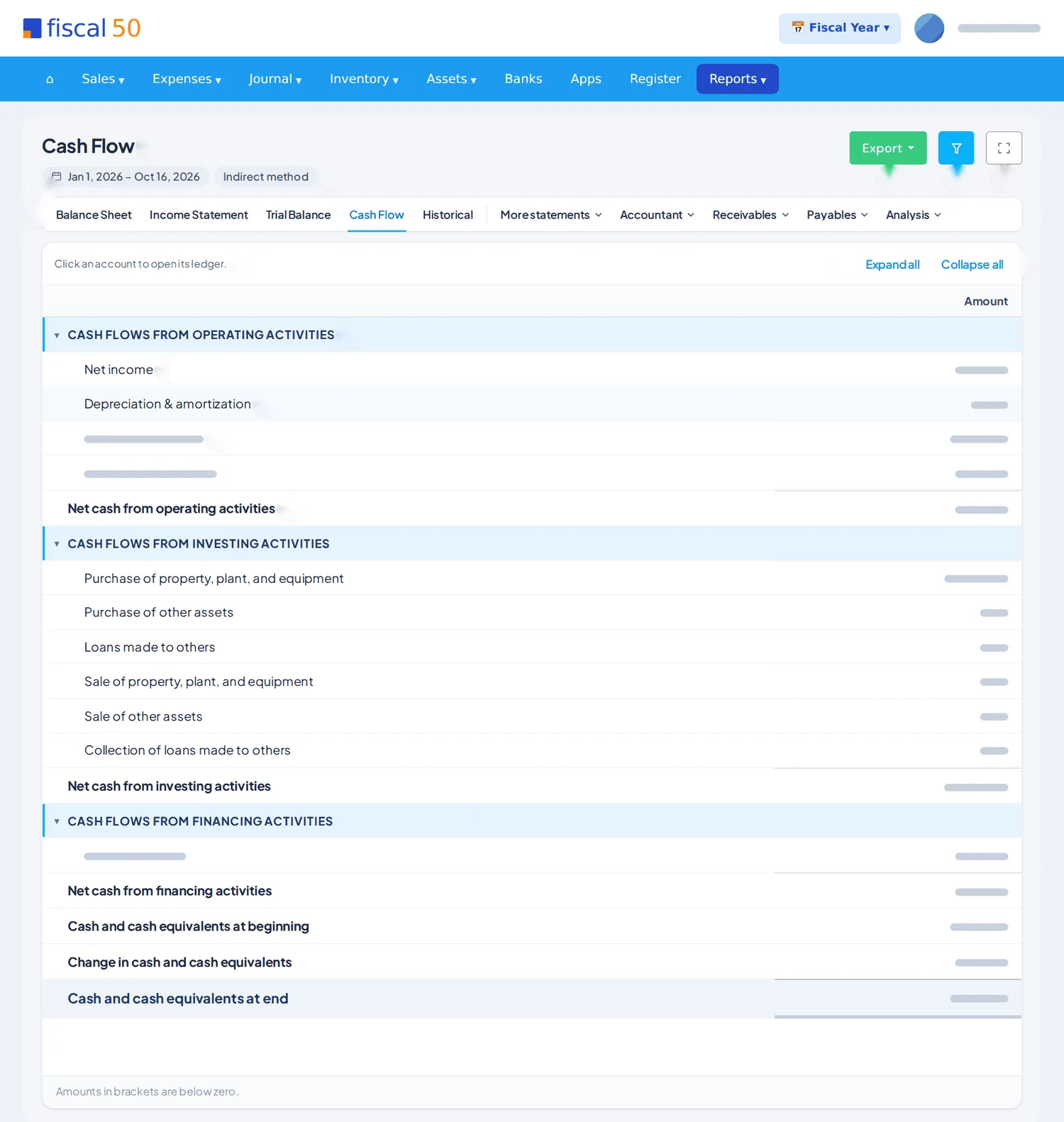
Reports open with your company's accounting method, and the Cash | Accrual switch reloads the report at once. The Cash Flow uses the indirect method, starting from accrual net income, so it has no Cash / Accrual choice.
Choose Multiple columns and a Display type of Years, Quarters, Months, Weeks or Dates; a report holds at most 60 columns. With 2 to 6 columns, the Balance Sheet, Income Statement and Cash Flow add Change $ and Change %, comparing each column with the one before it.
The Income Statement by Location & Special Category splits income, cost of goods sold, expenses and Net Earnings into up to 12 columns, each a location, a special category or both. Its All column is the company total and equals the Income Statement for the same dates and method.
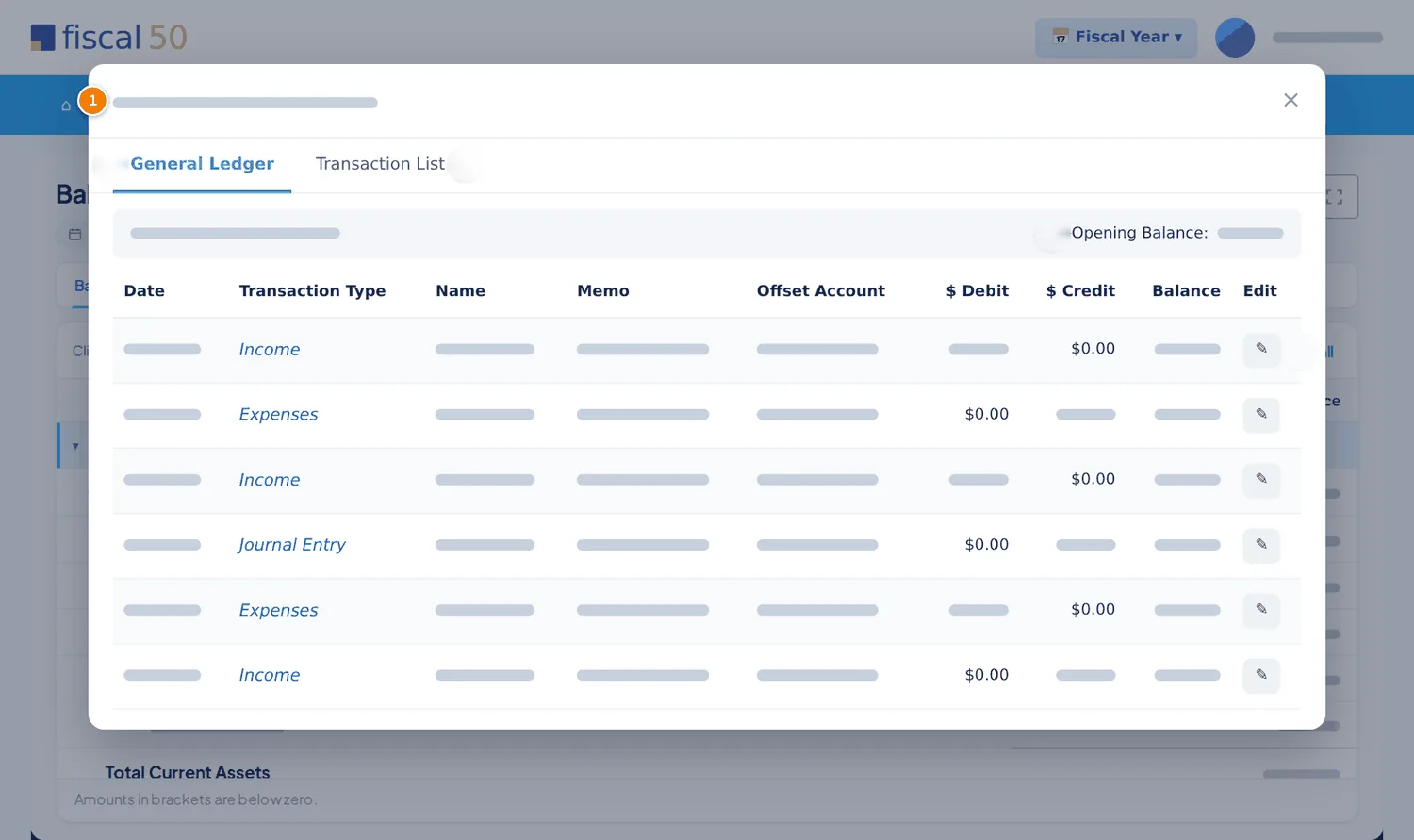
Clicking an account name opens its ledger in fiscal50, with every transaction and the running balance. Edit, then Update, corrects the transaction; apply the filter again to see the change in the report.
Export uses the filters you applied: Detailed keeps every line, Summary leaves out only the sub-ledger accounts so the totals match. Excel keeps the first column and headings frozen, and a wide PDF turns to landscape.
A/R Aging and A/P Aging show what is owed by Current, 1–30, 31–60, 61–90 and Over 90, while the Analysis menu holds the common-size statements, Financial Ratios, Cash Position and the working capital reports.
Upload prior-year trial balances or balance sheets (Excel or CSV) for years before your books start. They are kept as locked snapshots outside the general ledger and appear as (Historical) years in the Historical Comparison and in the Years view of the Balance Sheet and Income Statement (the Income Statement only for years uploaded as a trial balance).
How it works
Click Reports in the main menu, open the group that holds the Balance Sheet and click Balance Sheet. It opens as of today, in one column, with your company's accounting method.
Click Filter to set the Accounting Method, Filter by, Display By and the dates. Changes in the panel wait for Apply filter.
Set Filter by to Date, Month or Fiscal Year, then pick a ready-made range in Select date range or type the dates as mm/dd/yyyy.
Set Display By to Multiple columns, choose a Display type such as Months and a range such as Last 3 months, then click Apply filter. Change $ and Change % show with 2 to 6 columns.
Click Export for Excel or PDF, Detailed or Summary, or click an account name to open its ledger and correct a transaction.
In your books
Reports post nothing. They are prepared from your posted books each time you open one, and a correction made from a ledger posts through that transaction.
Accrual counts income and expenses when they are earned or incurred, so unpaid invoices and bills are included and receivables and payables show. Cash counts them only when money is received or paid. Switch with Cash | Accrual on the report, or under Accounting Method in the filter panel.
Open Filter, choose Multiple columns, Display type Months and Select date range Last 3 months, then click Apply filter. Last 3 months counts this month so far and the 2 before it.
The change columns show only when the report has 2 to 6 columns. They are also hidden when Show the change, which is ticked at first, has been unticked in the filter panel.
Click the account's name. Its ledger opens in fiscal50 with every transaction and the running balance: the General Ledger for a ledger account, or its own ledger for a sub-ledger account.
Some lines have no location, such as a deposit straight to interest income or a bill entered without one, so they show only in the All column. Columns can also overlap when you mix locations and special categories.
No. They are stored separately from your general ledger. They don't create journal entries or change your opening balances or books start date.
Related
A checklist of what is pending, then locked periods.
Read moreA Configuration Agent that imports your QuickBooks accounts and opening balances.
Read moreAuto-reconciliation that predicts each ending balance and reconciles every account month after month.
Read moreExport books data for TaxAct and Intuit tax software.
Read moreStart free. Connect a bank. Watch the agents go to work.
Cookies on fiscal50.com We use cookies to understand how the site is used and to measure our ads. Choose whether to allow them. Cookie policy